Architecture & Operational Overview
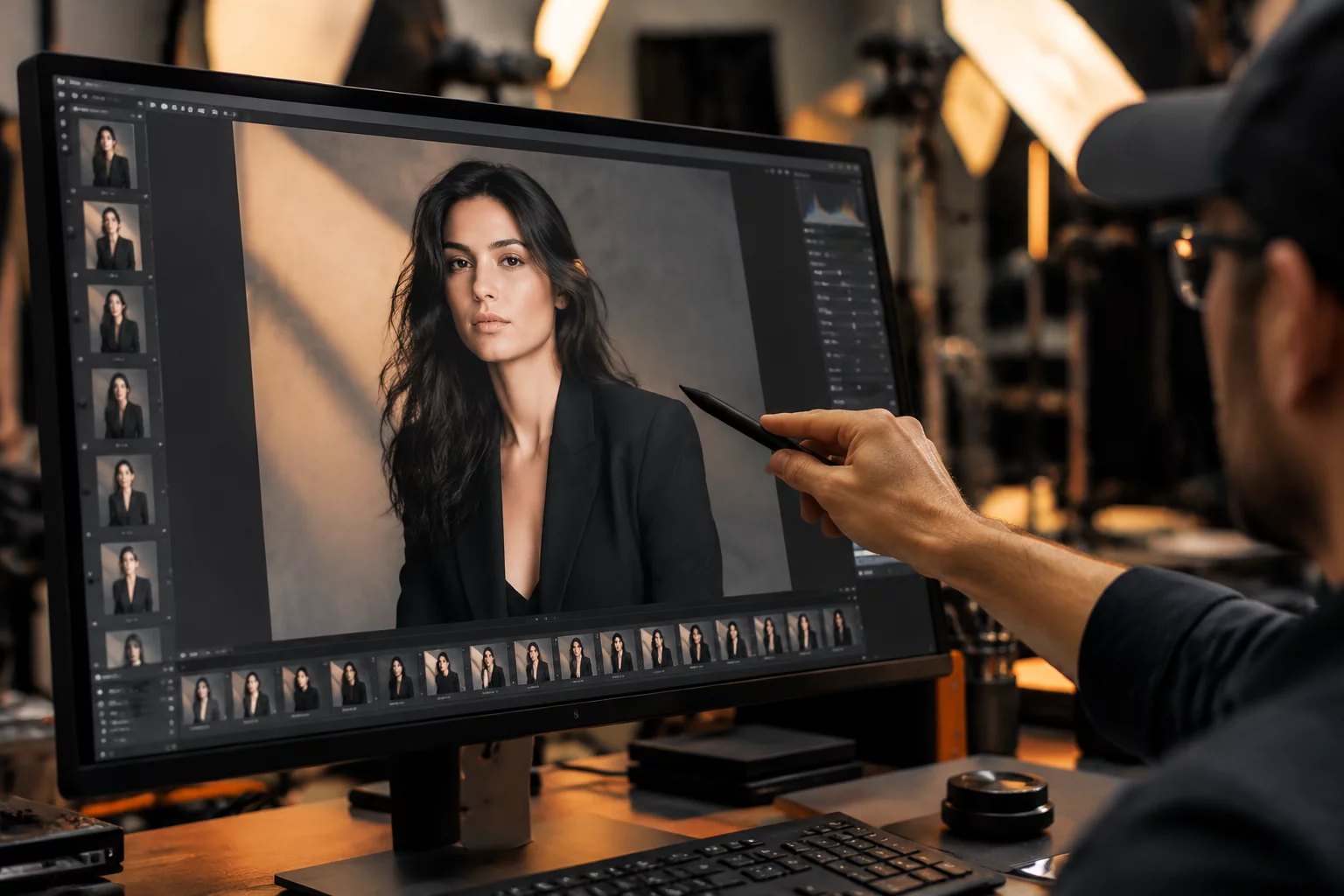
Tethered ingestion achieves its true commercial utility only when the creative team observes assets in near real-time. Elena Rostova delineates the precise workstation routing required to broadcast full-resolution frames across isolated client displays without bottlenecking local rendering threads or stalling live camera triggers.
In modern studio ecosystems, decoupling the digital technician workspace from client-facing viewports prevents accidental adjustments and menu clutter from entering agency sightlines. By utilizing dual GPU display outputs and hardware-accelerated viewer mirrors, the capture engine delivers clean 100% crops directly to the art director. Color tags applied on secondary input remotes immediately write into session sidecar files, creating a persistent feedback loop across the shooting floor.
Request Studio Workflow Checklist
Get the complete verified routing step map, terminal naming tokens, and validation matrix.
Execution Benchmarks & Checkpoints
Maintaining speed during rapid wardrobe changes or high-frame-rate commercial sequences requires unambiguous tagging rules and verified routing checkpoints across every terminal on set:
- Secondary Viewer Decoupling: Run an independent viewer window in clean mode over active optical HDMI, disabling all browser panes, tool tabs, and diagnostic panels on client displays.
- Standardized Color Hierarchy: Pre-assign Green for verified agency hero selects, Yellow for lighting and wardrobe alternatives, and Red for rejected test frames before the first exposure.
- Dedicated Control Pad Access: Deploy a mapped wireless keypad or macro deck directly to the art director desk, isolating tagging keystrokes from the main ingestion keyboard.
- Dynamic Smart Album Filtering: Configure live smart albums to populate tagged assets instantly, enabling styling teams to cross-reference earlier setups without interrupting live capture.
Failover & Redundancy Path
Wireless HDMI extenders and software streaming applications frequently experience packet loss or 5GHz radio interference from wireless video transmitters on camera rigs. When latency exceeds 500 milliseconds or displays lose synchronization, technicians must immediately cut to a shielded optical display run and engage local sidecar caching to protect ongoing creative decisions.
Live review is not a cosmetic luxury for the agency couch. It represents an authoritative legal and creative checkpoint that ensures every deliverable is verified before lights strike.
— Elena Rostova, Lead Capture Specialist