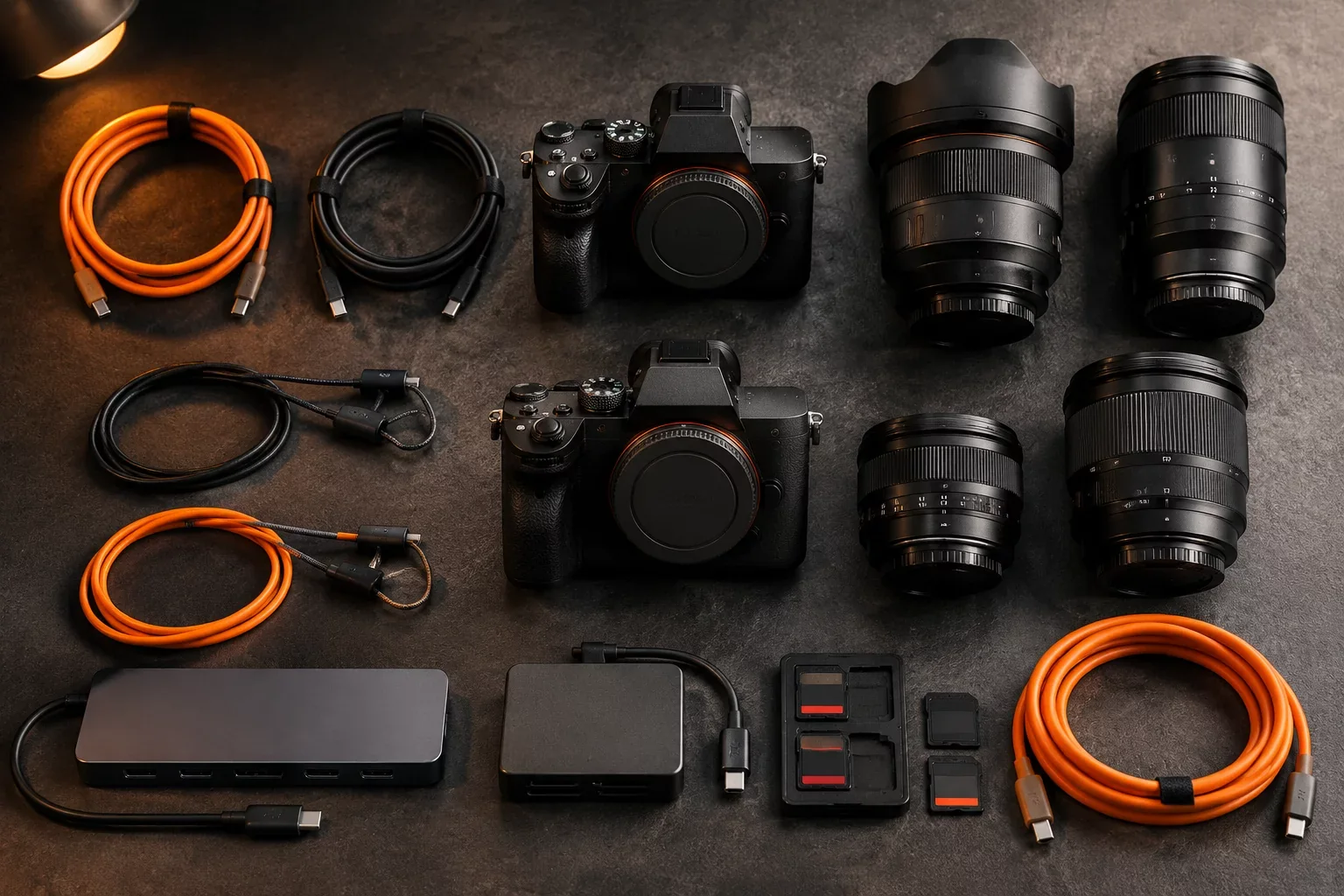
Architecture & Operational Overview
Every modern commercial shoot faces high data volume demands as medium-format and 60-megapixel mirrorless cameras capture raw bursts exceeding several gigabytes per sequence. Operating tethered systems without hardware standardization introduces dropped capture sessions, bus resets, camera freeze states, and loose terminal connections that stall entire sets. A universal tethering configuration eliminates unpredictable field issues through validated physical connectors, calibrated cable lengths, and active signal repeaters configured to withstand nonstop production strain.
Physical stability begins at the camera connector interface. USB-C ports mounted directly on internal camera logic boards remain vulnerable to mechanical leverage caused by hanging cables and sudden lateral tugs. Integrating custom-machined cable cages, Arca-Swiss port locks, and right-angle locking pigtails transfers all physical force to the camera chassis rather than the fragile soldered connector. Beyond mechanical safety, electrical stability requires certified active repeaters whenever cables extend past 4.5 meters, preserving 10 Gbps signaling integrity and keeping power negotiation stable across long workstation runs.
Request Studio Workflow Checklist
Get the complete verified routing step map, terminal naming tokens, and validation matrix.
Execution Benchmarks & Checkpoints
Setting up a universal tether kit requires systematic validation before photography starts. Digital technicians should follow verified hardware checkpoints across cable paths, hub controllers, and ingestion software:
- Verify that camera-side locking connectors use right-angle strain relief brackets bolted directly into base plates, preventing lateral play and connector wear.
- Deploy unidirectional optical-hybrid or active copper USB-C lines for cable runs over 4.5 meters, keeping signal eye patterns fully open and jitter-free.
- Disable USB Power Delivery charging inside camera menus whenever bus-powered hubs are shared with secondary calibrated displays, avoiding controller resets.
- Anchor tether lines to the tripod or studio stand base using heavy-duty quick-release clamps before routing cables into laptop trays or digital tech carts.
Failover & Redundancy Path
When high-throughput shoots suffer dropped frames or software disconnects, standard troubleshooting often wastes expensive shoot minutes on random cable wiggling. A standardized failover protocol isolates problems immediately. First, switch the Capture One or Lightroom tether engine to direct background polling, then bypass active extension runs by testing directly with a short certified 1-meter jumper cable. If the camera mounts cleanly on the jumper, technicians quickly replace the extension repeater without guessing. Dual identical cable sets kept in Pelican utility cases ensure hardware swaps finish in under two minutes.
"In a commercial studio moving 4,000 raw frames daily, your tether line is not an accessory cable. It is the primary production bus where every single client dollar lands in real time."
— Studio Technical Director Notes, Digital Operations Group